Ontario health card validation (ie rejected billing due to invalid health card)
Ontario health cards expire and patients must renew them.
Currently, Rocket Doctor collects health card information from each patient before they are booked. Rocket Doctor does not validate health card numbers at this time. As of July 2024, we are actively working on integrating this process into our platform.
We recommend any of the following for this issue:
1. If your billing was rejected due to invalid version code or incorrect health card number:
- Use the "Get Help" button in the MDPortal to ask our Admin to contact the patient again for a new number or version code.
- Resubmit the bill directly on the MDbilling.ca website. There is no time limit per the Ministry of Health to re-submit billings for this issue.
2. Validate the health card numbers directly on the MDbilling.ca website before appointments.
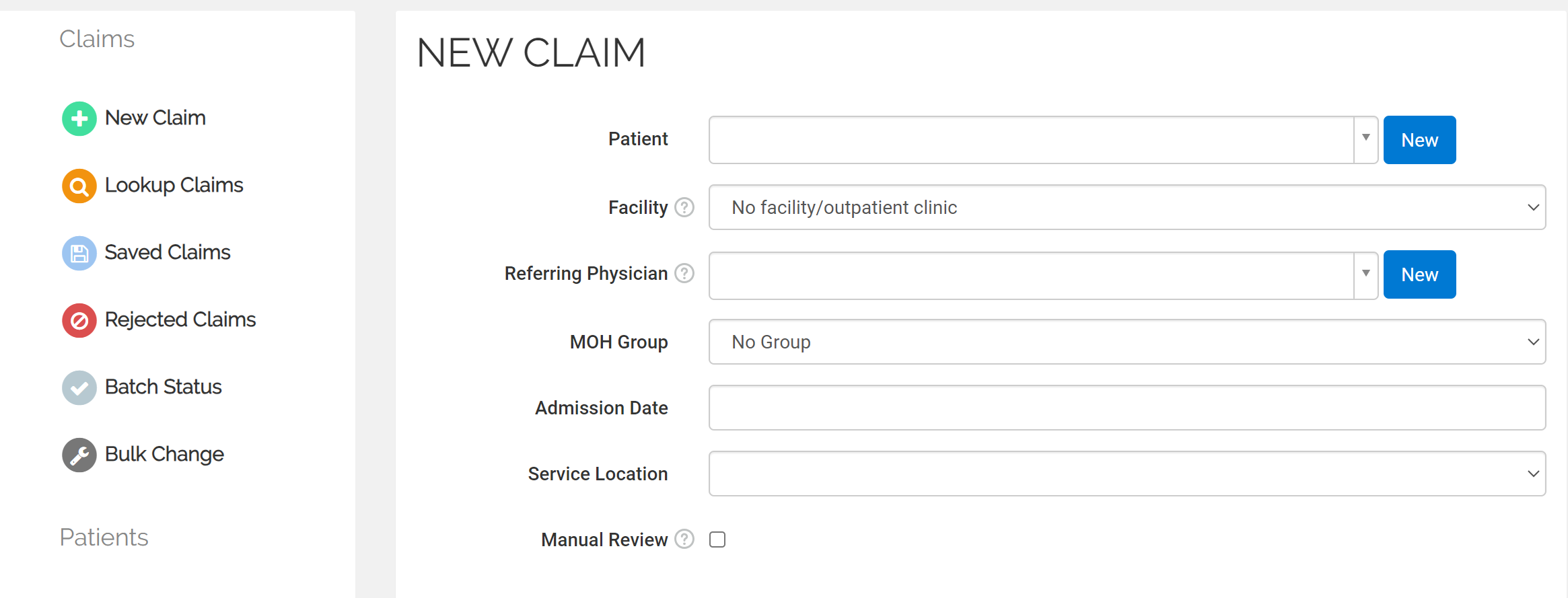
- Click "NEW CLAIM" (left toolbar) --> NEW patient (blue button on the right).
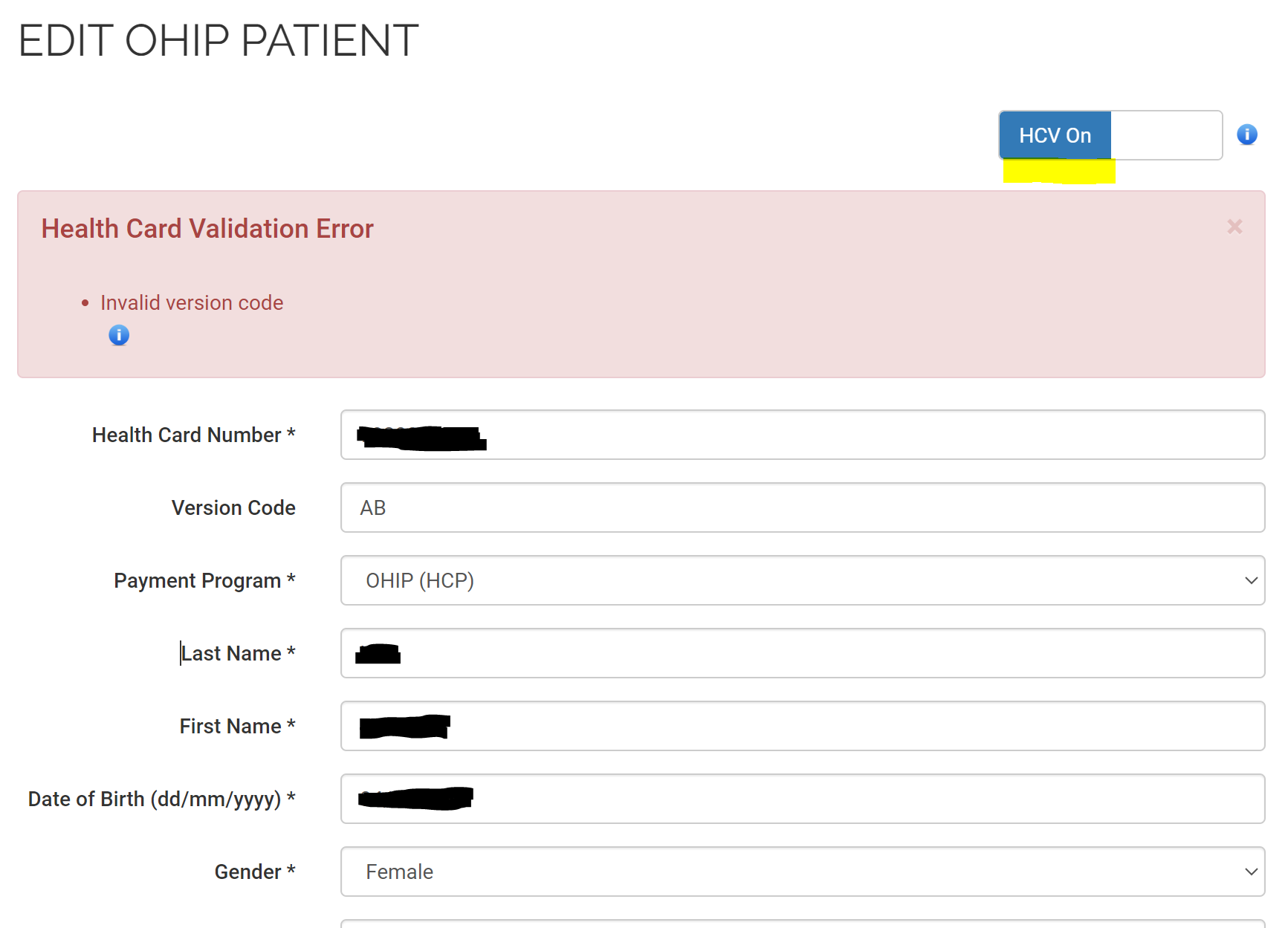
- Turn "HCV ON"
- Enter Health card number and Version Code
- A pop-up will immediately show if it is invalid (as shown below).
- If invalid, use the "Get Help" button in the MDPortal to ask our Admin to contact the patient again for a new number or version code.