Starship- My Patients Tab
Viewing Patient Charts
Patient charts can be viewed by navigating to the My Patients menu. From there, you can find a patient’s personal information, medical history, notes made by other providers and staff members, and documents uploaded (e.g. requisitions, lab results, referral letters, etc.). To search for a patient chart:
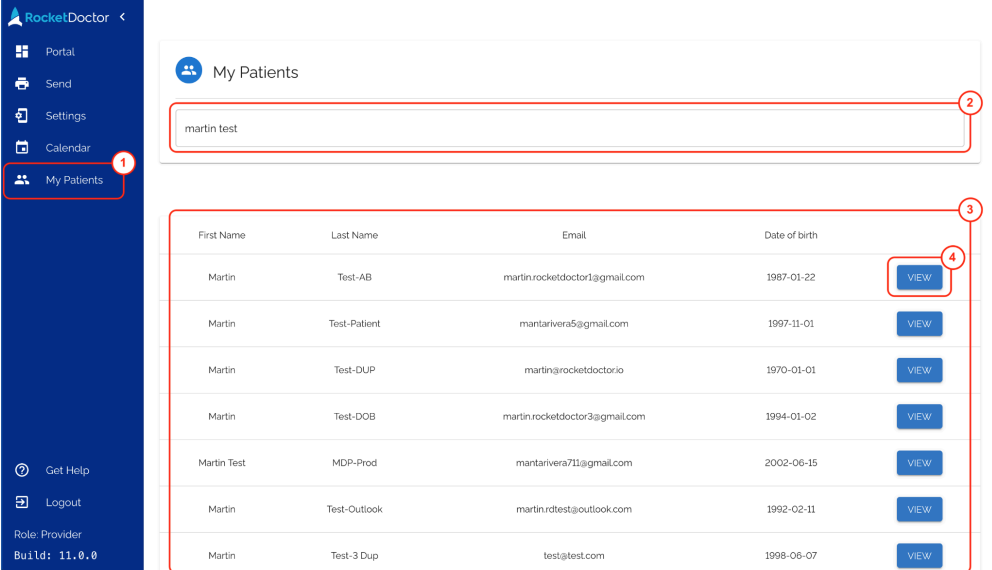
- Click on My Patients from the left sidebar.
- Enter the patient’s name or email address in the Search for patient text field.
- Search results will be displayed in this section. By default, it shows a list of a few patients.
- Select the View button for the patient you wish to view the chart of
A patient’s chart has different sections:
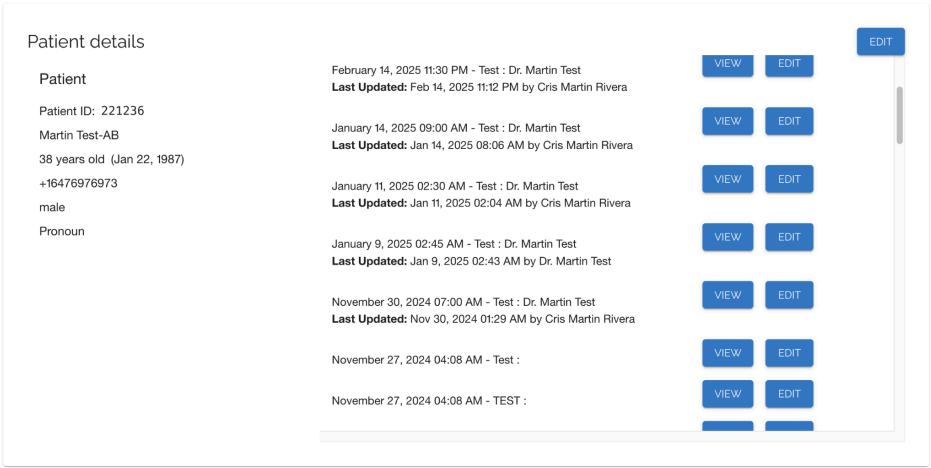
Patient Details - Here is where you can find a patient’s personal information and edit them, as well as details of previous appointments. Click the View button to access appointment-specific notes
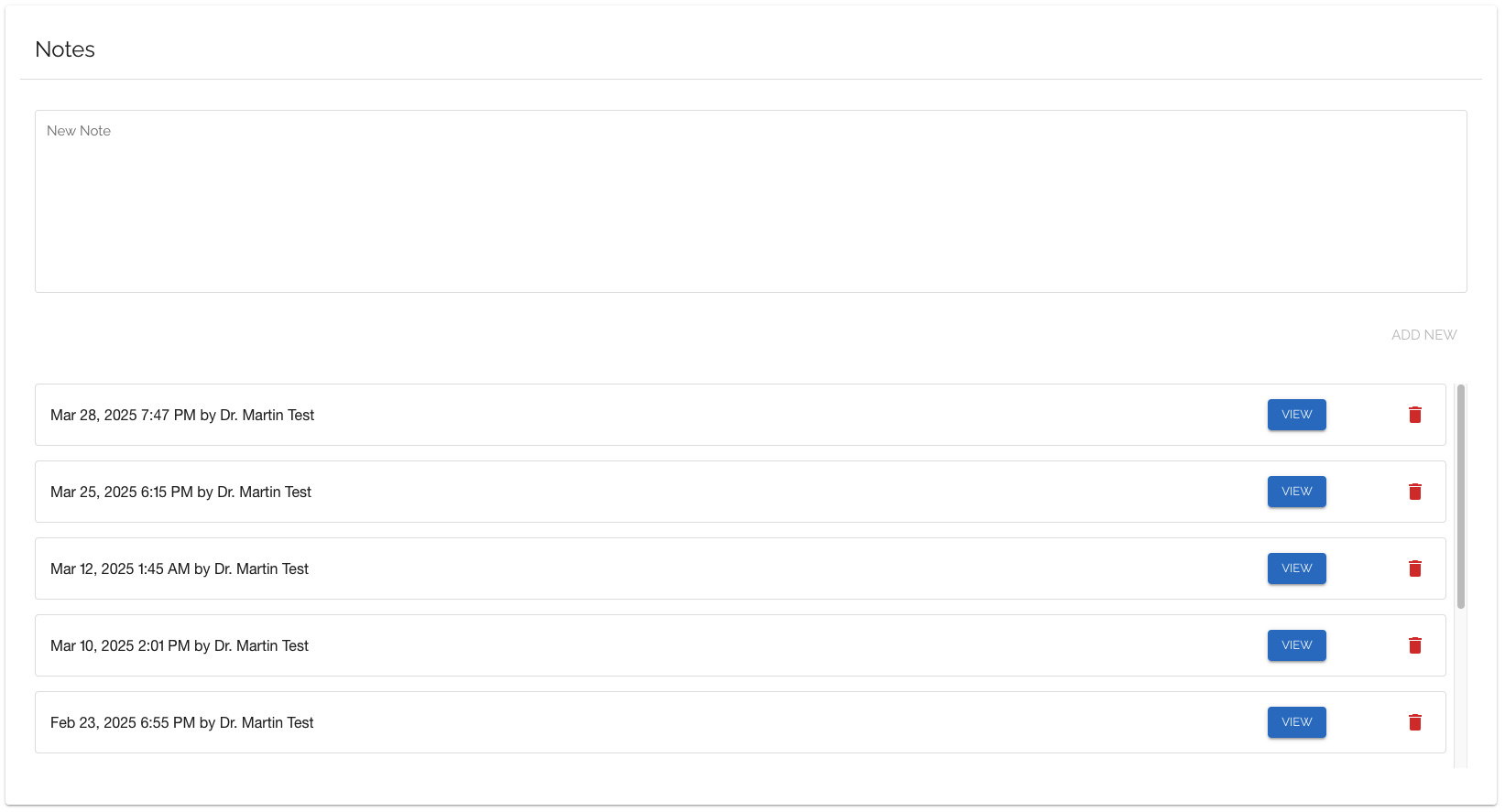
Notes - Any notes left by another provider (except appointment notes) or a staff member will be displayed here. For more information, please refer to this help article.
For Alberta MDs: All imported session notes, including images from Adracare, are stored in the Notes section of each patient's chart.
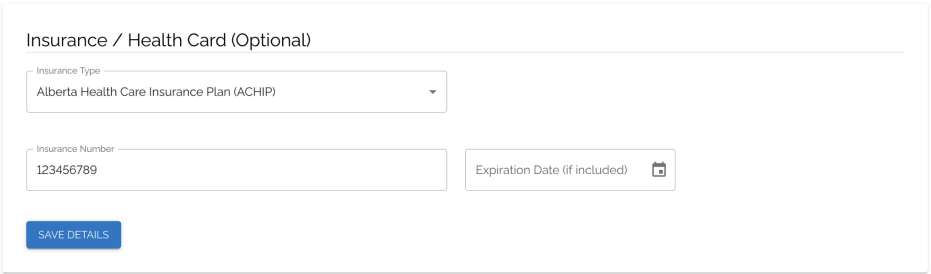
Insurance / Health Card - If applicable, this is where you can find and edit a patient’s health card details.
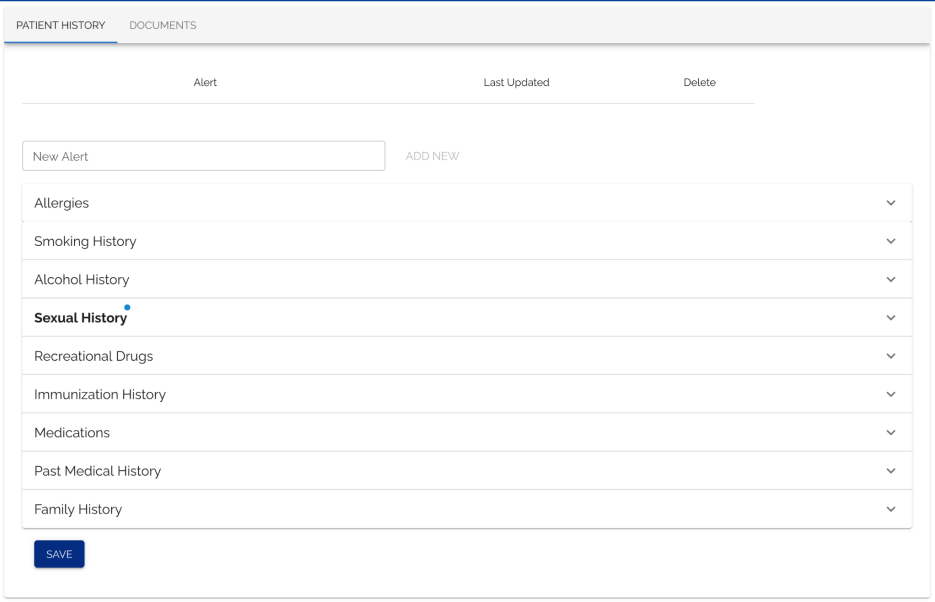
Patient History/Documents - Select medical history and chart alerts are under the Patient History tab, while documents can be viewed by switching to the Documents tab.